OVOV — AI Image, Video, Music & Voice Tools
Create images from prompts, animate photos, write songs and generate voiceovers. Choose an AI model, check the credit quote, then preview and download your results.
AI Image
Text & Image to Image
AI Video
Text to Video · Frames
AI Music
Describe a musical idea or supply lyrics to generate songs or instrumentals.
AI Voice
Clone · Multi-Lang TTS
See What Creators Make on OVOV
Create images from prompts, animate photos, write songs and generate voiceovers. Choose an AI model, check the credit quote, then preview and download your results.
AI Image Works
Generate images from text or edit supported reference images.
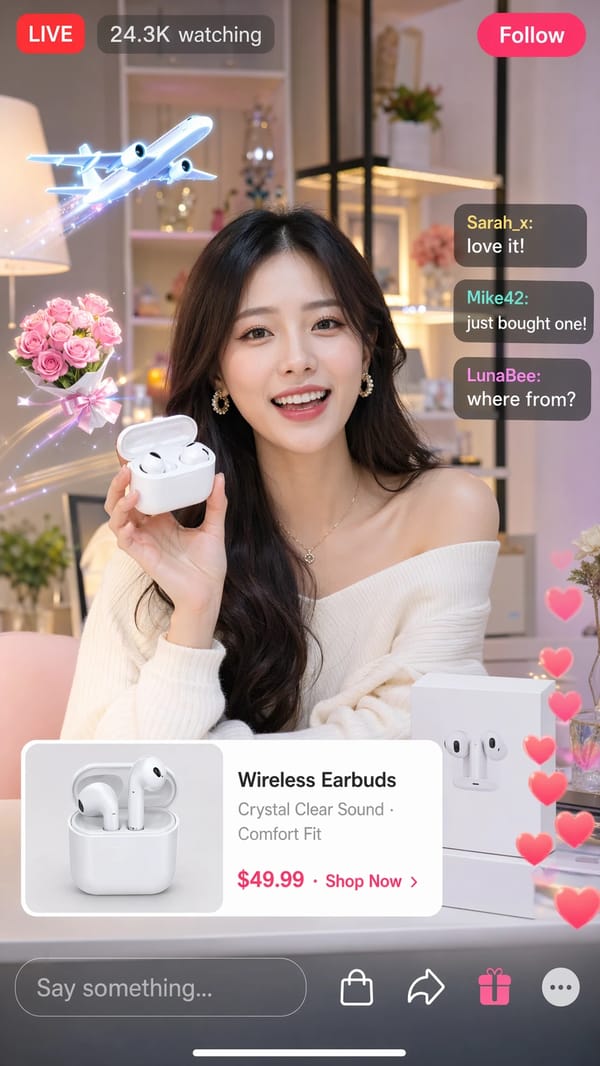
“Generate a mobile screenshot of a TikTok Live selling wireless earbuds”
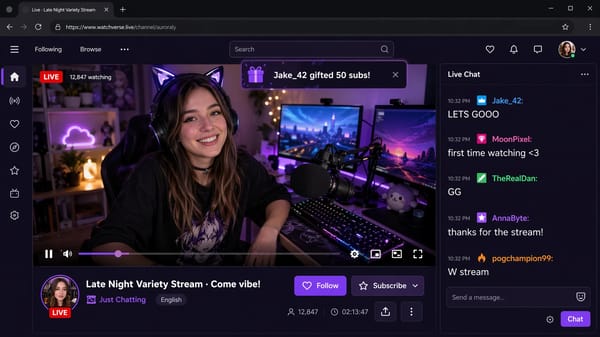
“Generate a Twitch livestream browser screenshot with a streamer chatting”
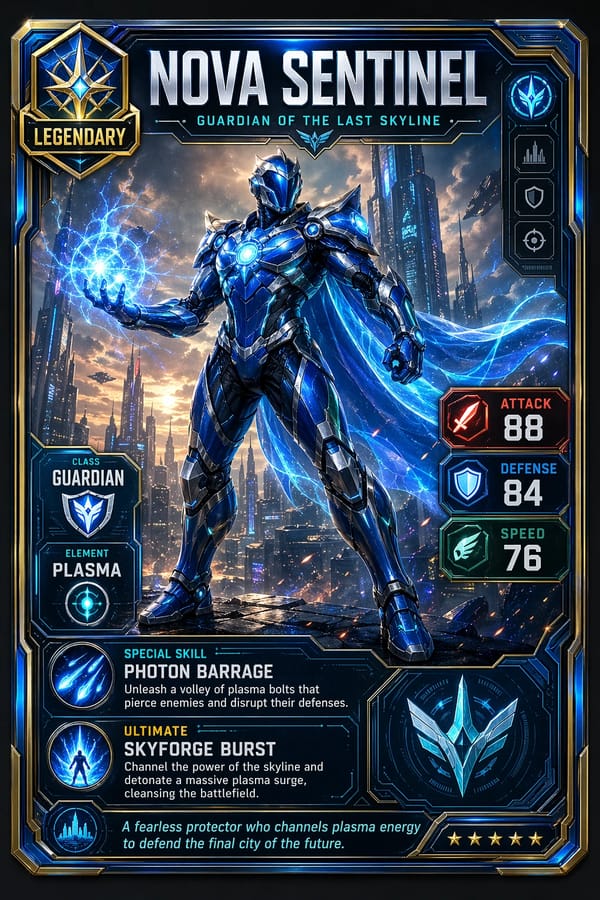
“Generate a legendary fantasy hero trading card”
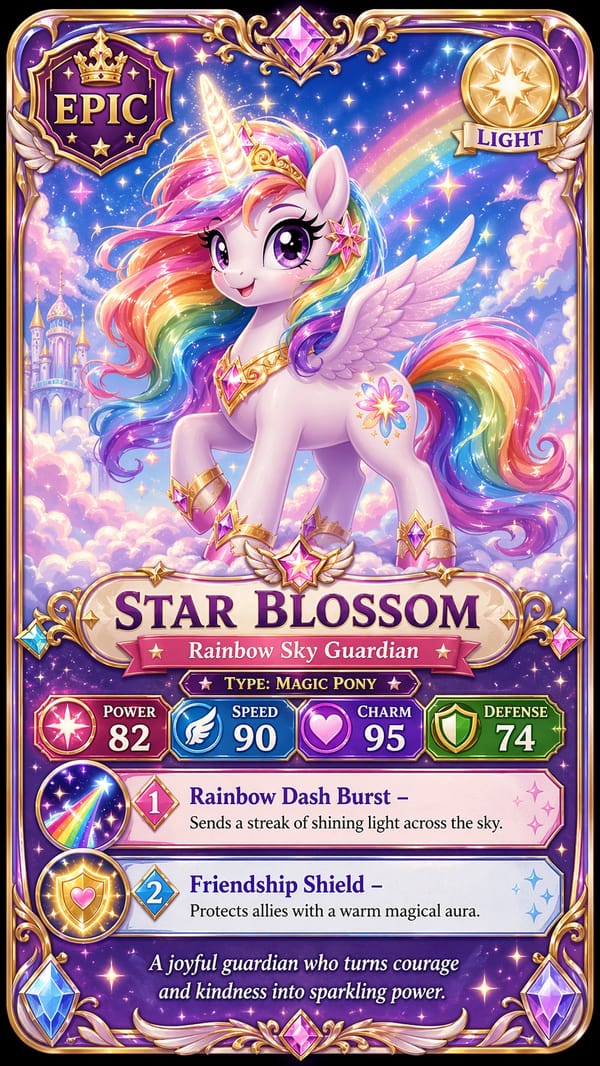
“Generate a My Little Pony-style trading card, portrait 9:16”
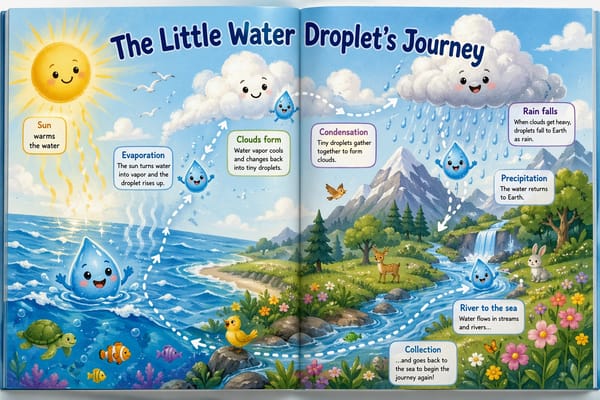
“Generate a horizontal kids' picture book spread about a water drop's journey, ages 4-8”
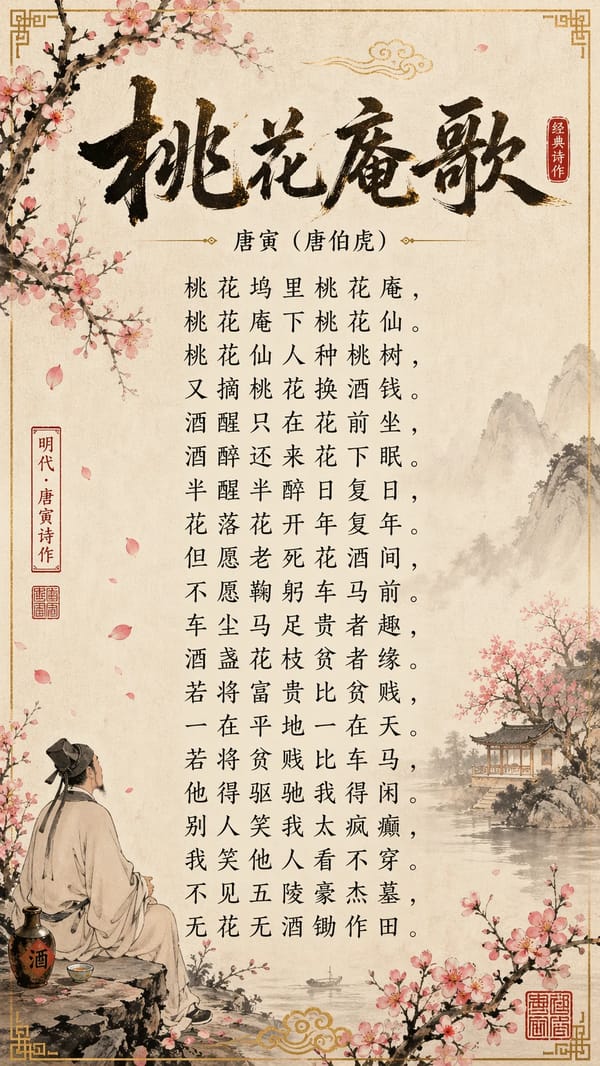
“Generate a traditional Chinese poster of a classical Tang poem in ink-wash style”
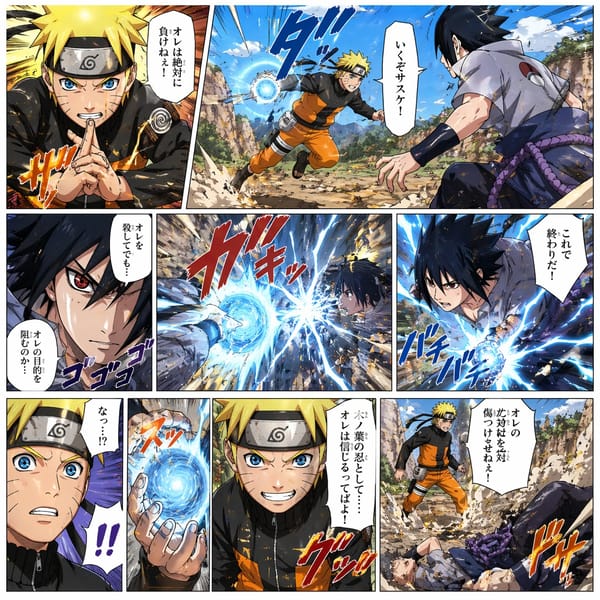
“Generate a Japanese manga-style battle storyboard in a 9-panel layout”
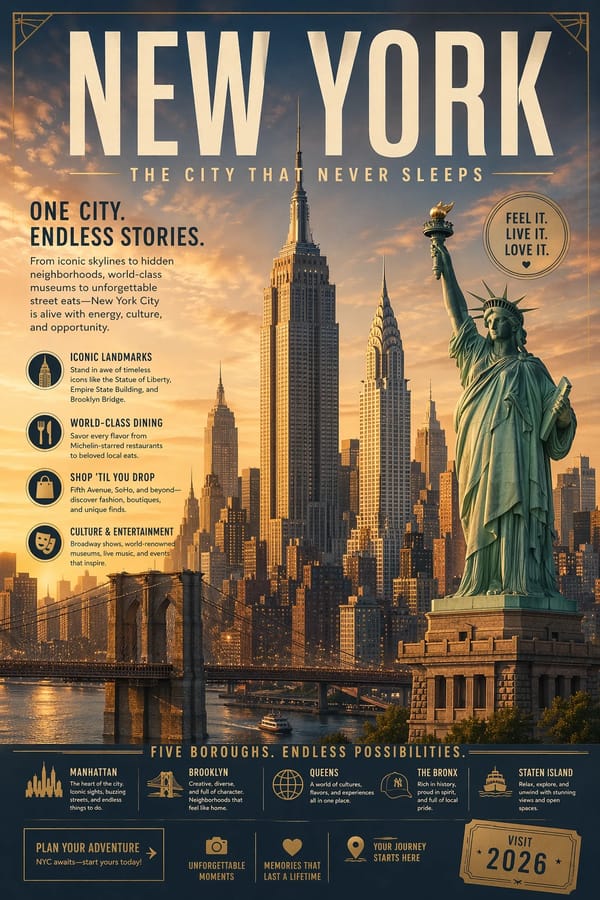
“Generate a travel poster featuring New York's iconic landmarks”
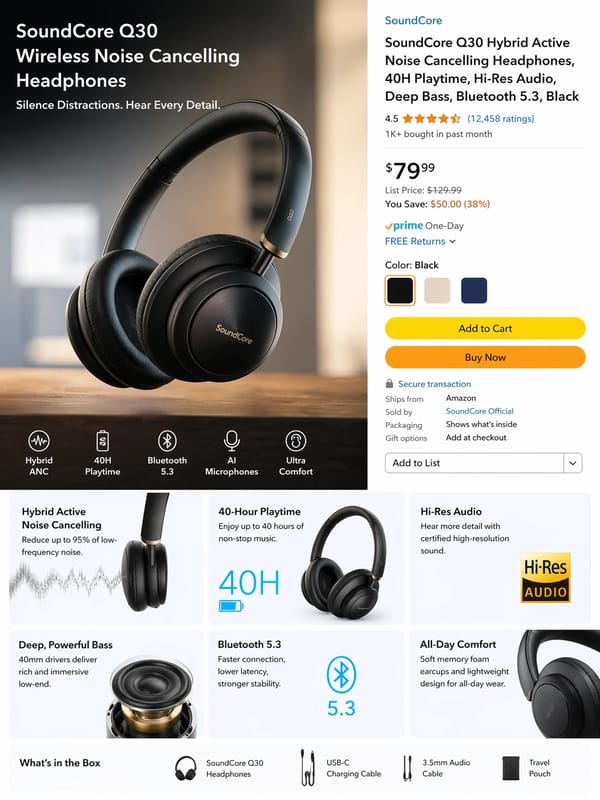
“Generate an Amazon product listing page for wireless noise-cancelling earbuds, commercial-photography style”
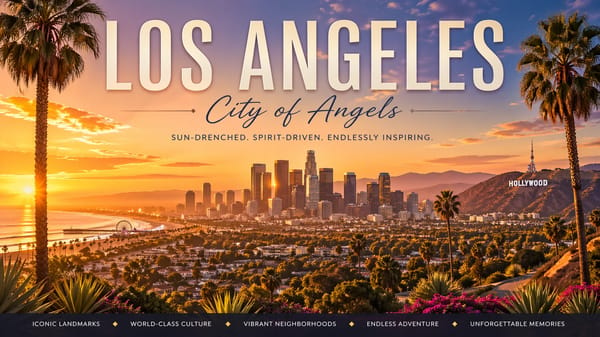
“Generate a poster of the Hollywood sign in Los Angeles at sunset”
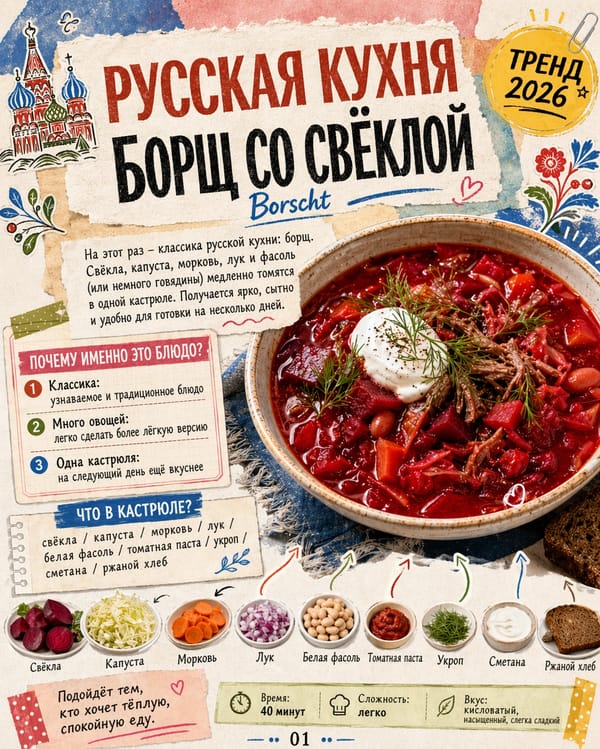
“Generate a vintage Russian-language recipe poster for borscht”
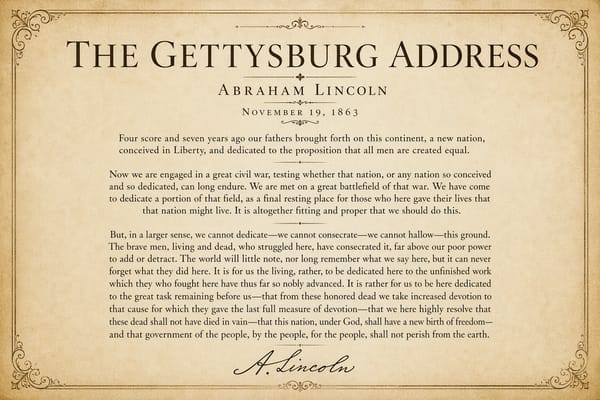
“Generate a classical poster featuring the full text of Lincoln's Gettysburg Address”
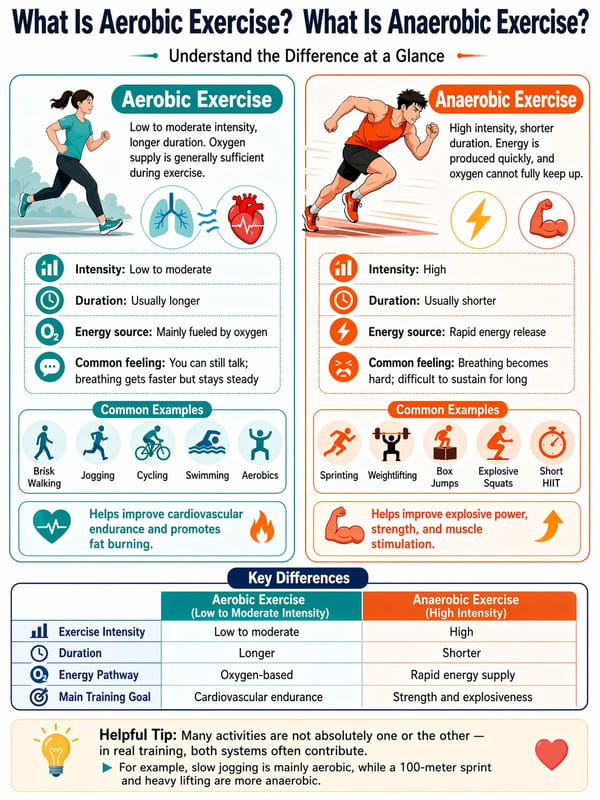
“Generate an infographic comparing aerobic vs anaerobic exercise”
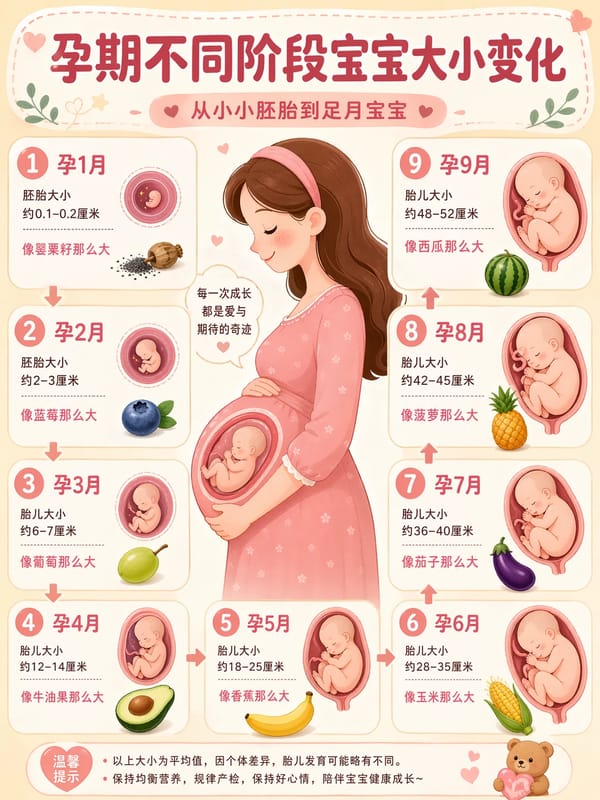
“Generate a cute infographic showing baby size changes through pregnancy stages”
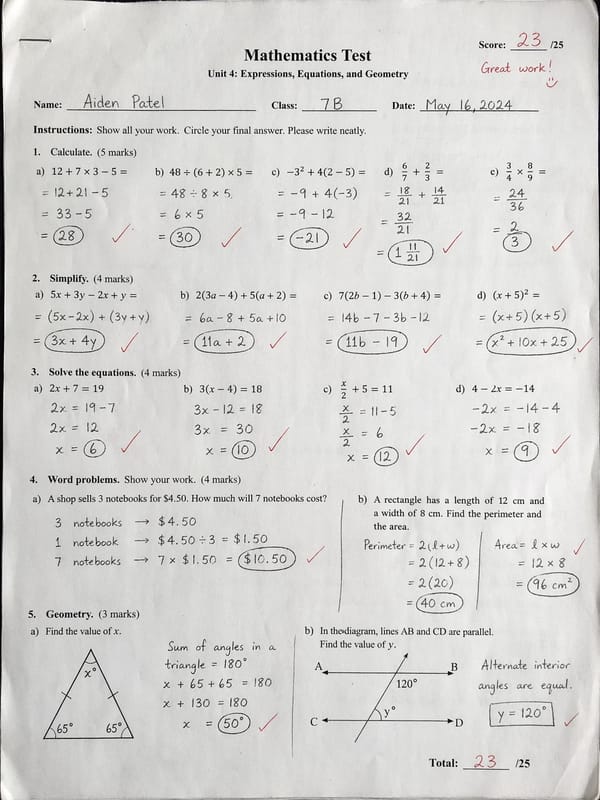
“Generate a realistic handwritten math test in scanned-paper style”
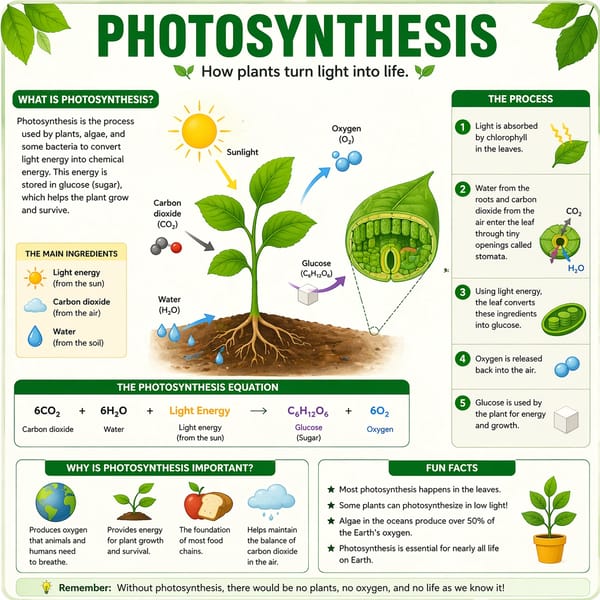
“Generate a knowledge card about photosynthesis for students”
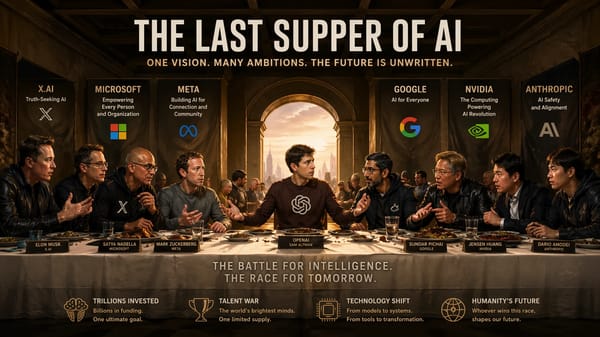
“Recreate The Last Supper with AI company CEOs, including their logos”
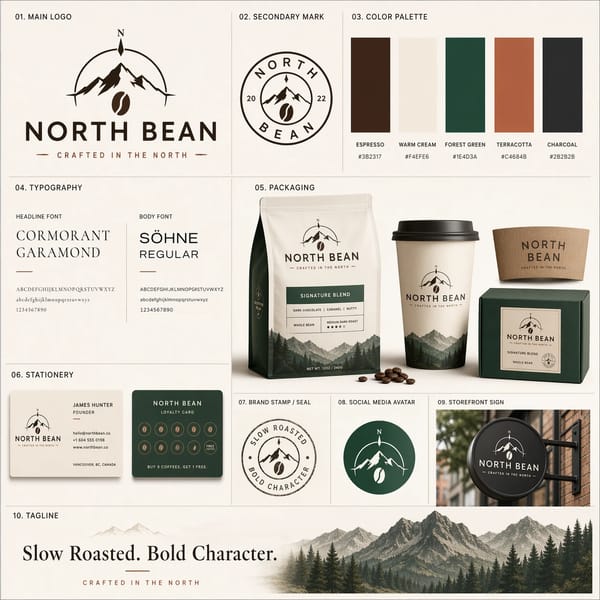
“Generate a complete brand identity kit for indie coffee brand NORTH BEAN”
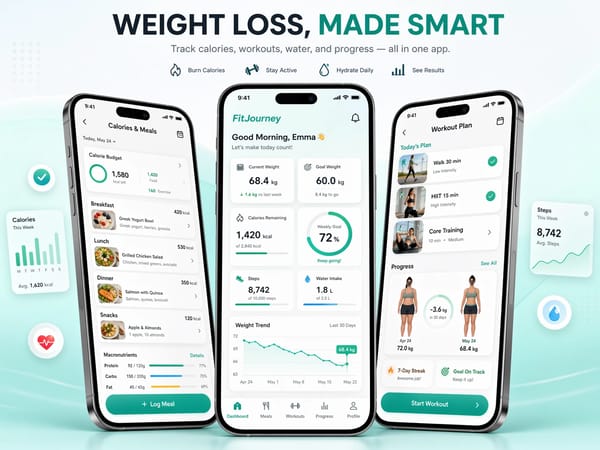
“Generate a three-screen UI mockup of a fitness app”
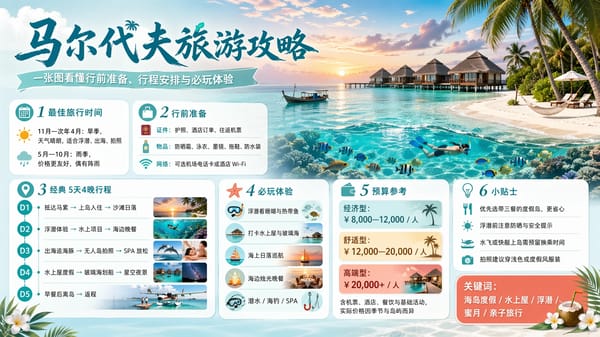
“Generate a Maldives travel guide poster, landscape 16:9”
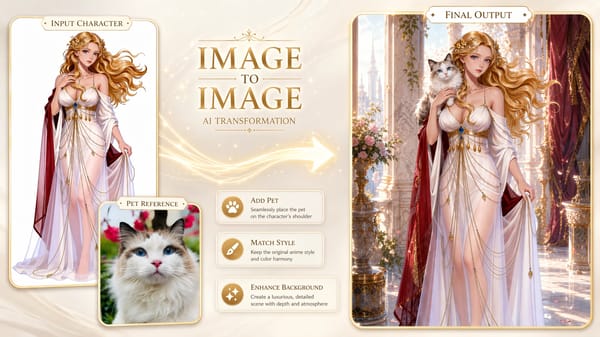
“Blend a character reference with a pet cat photo into a new artwork”
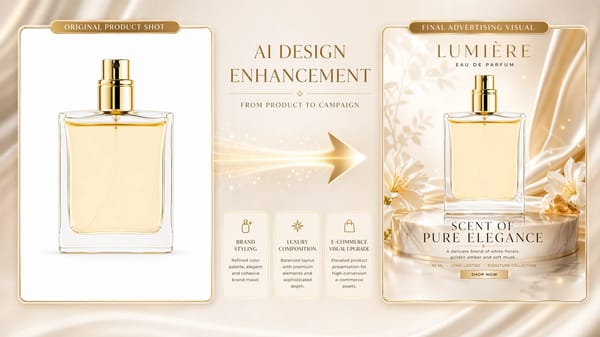
“Turn a plain perfume product shot into a polished advertising poster”
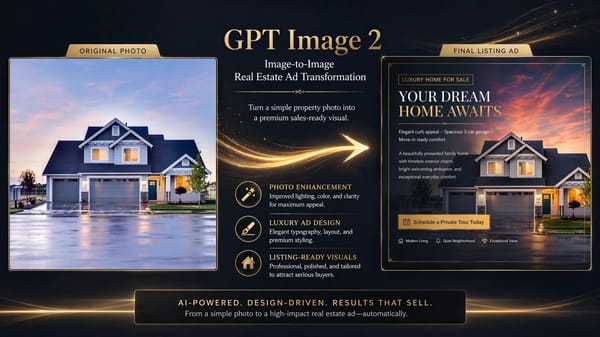
“Turn a house photo into a premium real estate ad”
AI Video Works
Create short videos from prompts or supported image and media inputs.
Alien Fantasy World
Luxury Perfume Ad
Product Launch Teaser
Maldives Travel Commercial
Eastern Wuxia Duel
Hollywood Racing Movie
Spaceship to the Stars
Golden Retriever & Butterflies
Sushi Chef at Work
Red Dress on the Cliffs
Midnight Duel
Handheld Selfie Vlog
Mouth-watering Food Close-up
Urban Street Dance
Luxury Lipstick Ad
AI Music Works
Describe a musical idea or supply lyrics to generate songs or instrumentals.
Neon Hours
3:20Cinematic vlog opener
Ashes of Dawn
4:44Movie trailer score
Paradise Drive
2:46Summer brand ad
Last Train Out
2:31Study & focus BGM
Cedar Wood
3:45Storytelling podcast
Velvet Hour
4:09Lounge & restaurant BGM
Neon Heart (네온 하트)
1:50Dance choreography
Bésame Otra Vez
2:05Beach club party
Tokyo Lights (東京の灯り)
2:35Retro fashion vlog
Walking Toward Light (向光而行)
2:54Inspirational montage
AI Voice Works
Generate speech from text with a library voice or a supported voice sample.
Four AI Creative Capabilities, One Platform
Compare supported inputs, output sizes and credit costs in one account.

AI Image Generation
Generate images from text or edit supported reference images.
- Generate covers, illustrations and product concepts from text, or edit an uploaded reference image.
- Compare sizes supported by the chosen model; some image models offer up to 4K.
- Add reference images for editing when the model supports image-to-image.
- Preview the image and inspect text, edges and product details before downloading.

AI Video Generation
Create short videos from prompts or supported image and media inputs.
- Create a short clip from a prompt, a starting frame or supported reference material.
- Audio support depends on the model and mode. Check the output rather than assuming every clip includes sound.
- Processing time varies with the model, clip settings and provider queue. Task status appears in your account.
- Use the controls the selected model exposes; first/last frames and reference inputs are model-specific.

AI Music Generation
Describe a musical idea or supply lyrics to generate songs or instrumentals.
- Describe a musical idea or supply lyrics to generate songs or instrumentals.
- Describe one clear result. Add reference material only when the selected model supports it.
- Check size, duration and the displayed credit quote before submitting.
- Wait for the task to finish, inspect the output and download the version you want.

AI Voice Cloning
Generate speech from text with a library voice or a supported voice sample.
- Generate speech from text with a library voice or a supported voice sample.
- Describe one clear result. Add reference material only when the selected model supports it.
- Check size, duration and the displayed credit quote before submitting.
- Wait for the task to finish, inspect the output and download the version you want.
From choosing a model to your first result
Compare models, prepare your inputs and check credits before starting.
Choose an AI image model
Compare image tasks, reference limits and output sizes.
Turn a photo into a video
Prepare your photo, describe the motion and choose a video model.
Check plans and credits
See current credit packs and subscriptions before purchasing.
Muse Video
Check supported inputs and settings for each model.
Muse Image
Check supported inputs and settings for each model.
GPT Image 2.6
Check supported inputs and settings for each model.
GPT Image 2.5
Check supported inputs and settings for each model.
Kling 4.0
Check supported inputs and settings for each model.
Seedance 2.0 Mini
Check supported inputs and settings for each model.
Gemini Omni Flash
Check supported inputs and settings for each model.
Prepare the assets for your next project
Generate images, clips, music and narration in their respective tools. Download the assets and combine them in your preferred editor when a project needs a finished timeline.
Real workflows creators ship every day
YouTube Tutorial
Prepare a tutorial cover, short illustrations and narration, then arrange them in your video editor.
Brand Ad Spot
Create product visuals and short motion concepts. Compare individual results before choosing assets for the campaign.
Wedding Film
Explore a visual style, music idea and spoken text separately, then select the assets that fit the project.
Start with the task, then choose the model
Compare supported inputs, output sizes and credit costs in one account.

Create in Four Steps — Images, Videos, Music & Voice
Compare supported inputs, output sizes and credit costs in one account.
Choose a tool and model
Select a model that supports the task and the source files you have.
Prepare the prompt and inputs
Describe one clear result. Add reference material only when the selected model supports it.
Confirm settings and credits
Check size, duration and the displayed credit quote before submitting.
Review and download
Wait for the task to finish, inspect the output and download the version you want.
Who Should Use OVOV
Compare supported inputs, output sizes and credit costs in one account.
Designers & Creative Professionals
Develop character references, cover concepts and illustration directions.
E-commerce & Product Managers
Draft a product scene, then check the product shape, label and background before using it.
Musicians & Audio Creators
Describe a musical idea or supply lyrics to generate songs or instrumentals.
Brand Marketing Teams
Explore compositions and campaign variations before selecting a final design.
Content Creators & Bloggers
Prepare a tutorial cover, short illustrations and narration, then arrange them in your video editor.
Personal Enthusiasts
Compare supported inputs, output sizes and credit costs in one account.
Full-Modality AI Creation in 12 Languages
Top AI models with full-modality coverage for efficient creation.
10+ Top AI Models Integrated
Top AI Models Integrated
4 Creative Modalities
Creative Modalities
12 Languages Supported
Languages Supported
Simple Pricing — Subscribe or Pay as You Go
Credits depend on the selected model and settings. Check the quote in the tool before submitting. The pricing page lists current credit packs and subscriptions.
Basic
Try it out occasionally
165 credits · never expire
- All image, video, music & voice AI
- Up to 100 cloned voices
- Commercial license included
Pro
Most popular · Daily creation
590 credits · never expire
- All image, video, music & voice AI
- Up to 100 cloned voices
- Priority queue · Commercial license
Questions before you generate
Inputs, settings, credits and what to expect from the result.