Grok Imagine 2.0 · xAI Text-to-Image
xAI's image model, on OVOV. Write a prompt, pick one of seven aspect ratios, and get a finished frame in about 30 seconds — one quality mode, nothing to tune, 6 credits per image.
Model names and logos are trademarks of their respective owners. OVOV is an independent product and is not affiliated with, endorsed by, or sponsored by any model provider.
See Grok Imagine 2.0 in action
Real Grok Imagine 2.0 outputs generated on OVOV from text prompts alone — no cherry-picking, no post-editing.
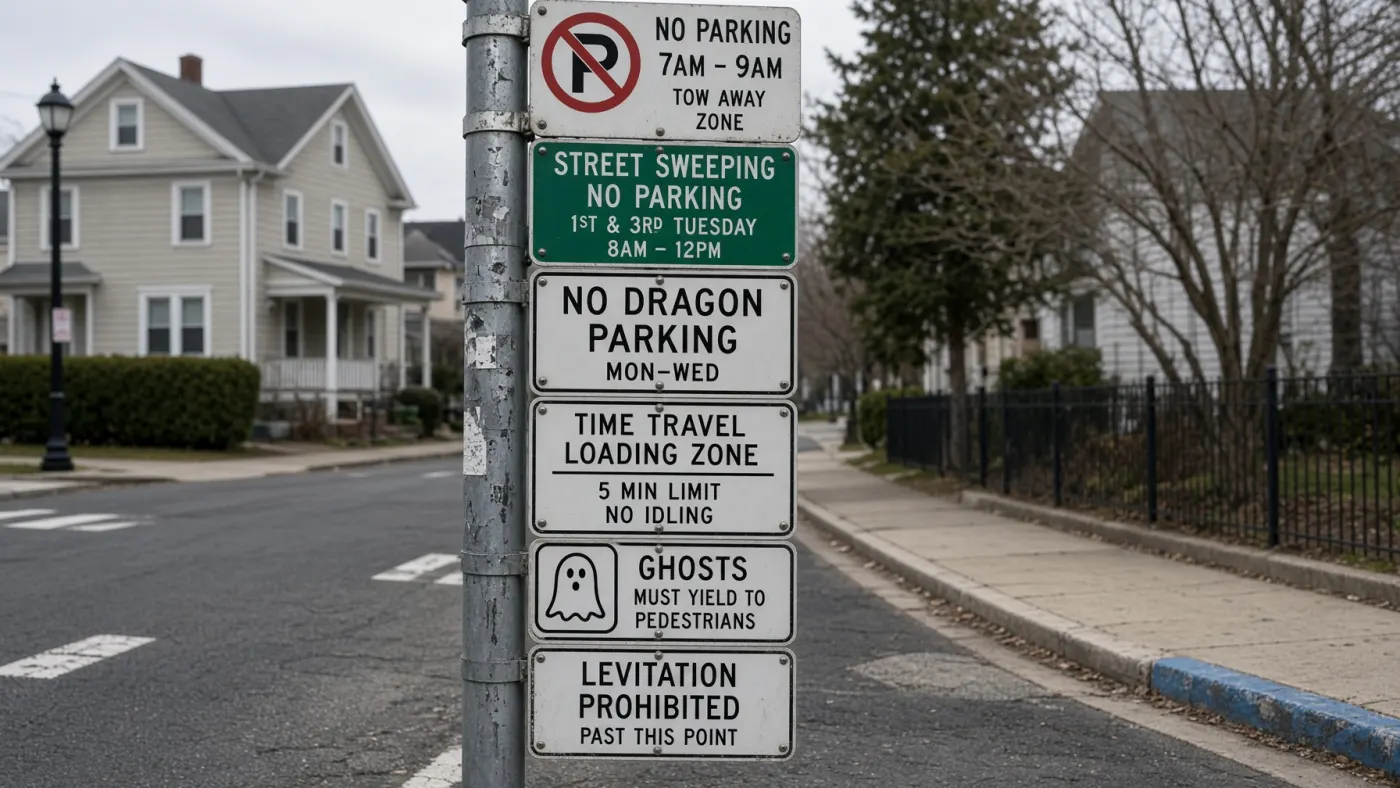
Photorealistic street photograph of an overloaded municipal sign pole on a quiet residential corner,...
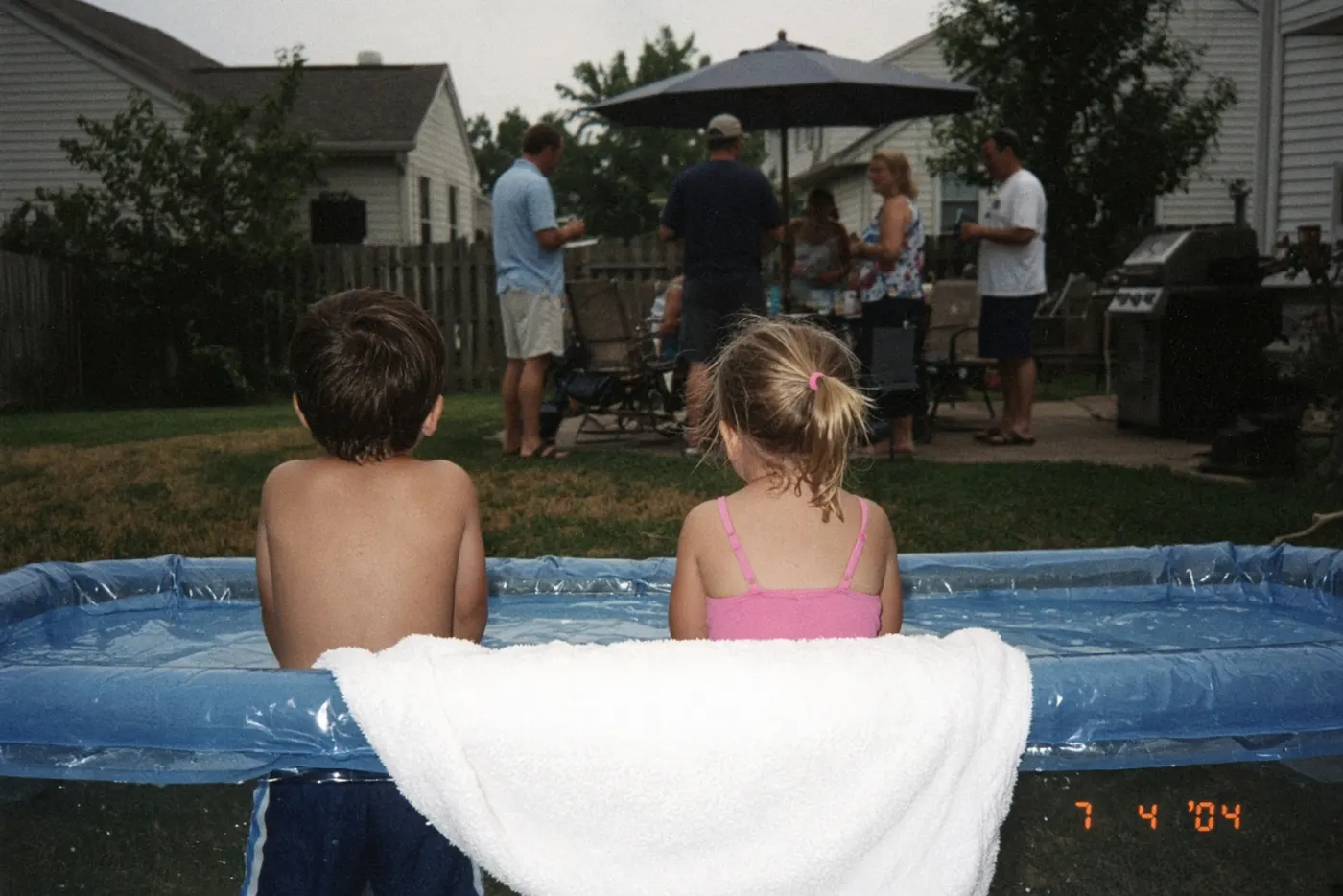
A photo taken on a cheap digital camera in the summer of 2004 at a suburban backyard barbecue. Shot ...
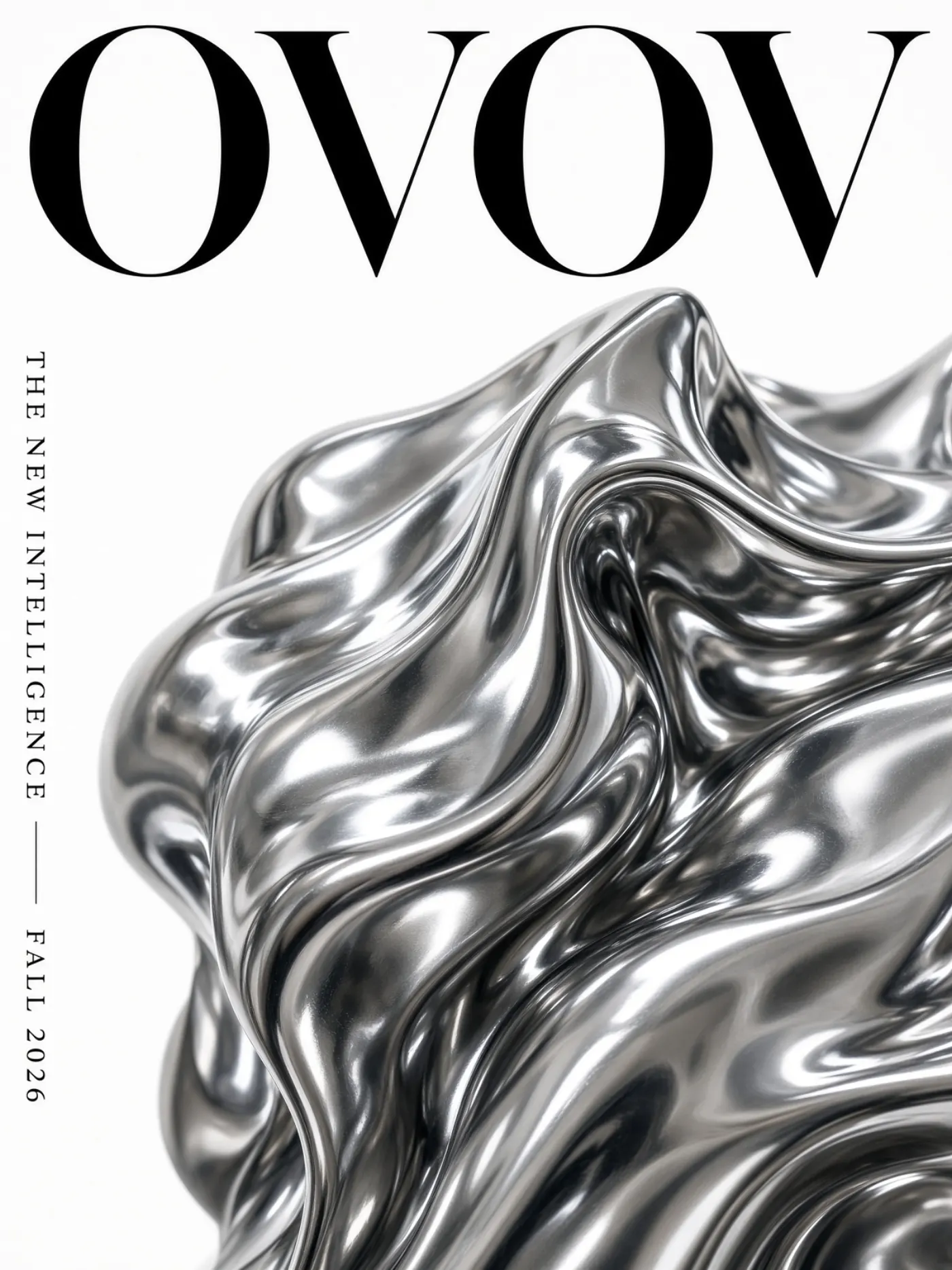
High-fashion magazine cover, extreme close-up of an avant-garde metallic sculpture instead of a mode...
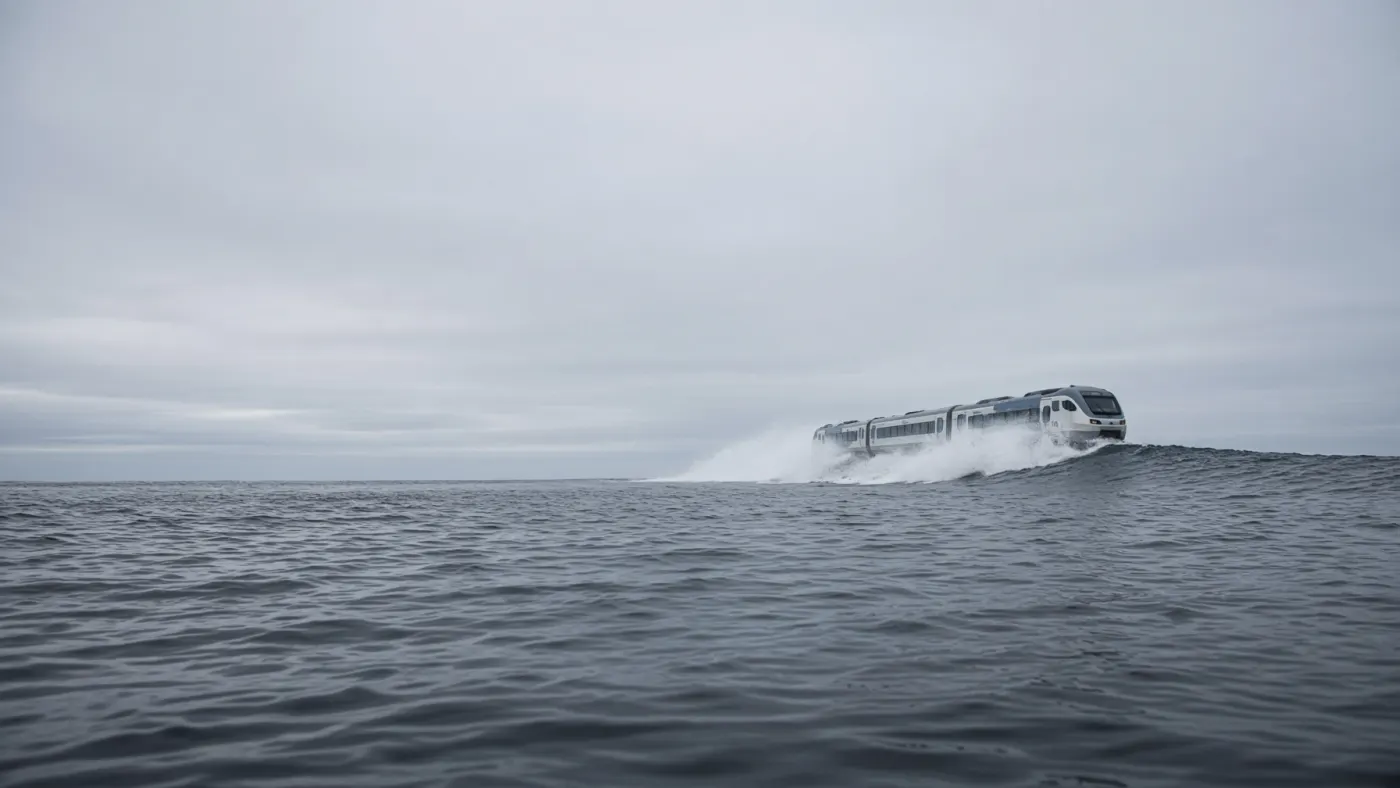
Realistic photograph of a full-size passenger train running along the crest of an ocean wave, spray ...
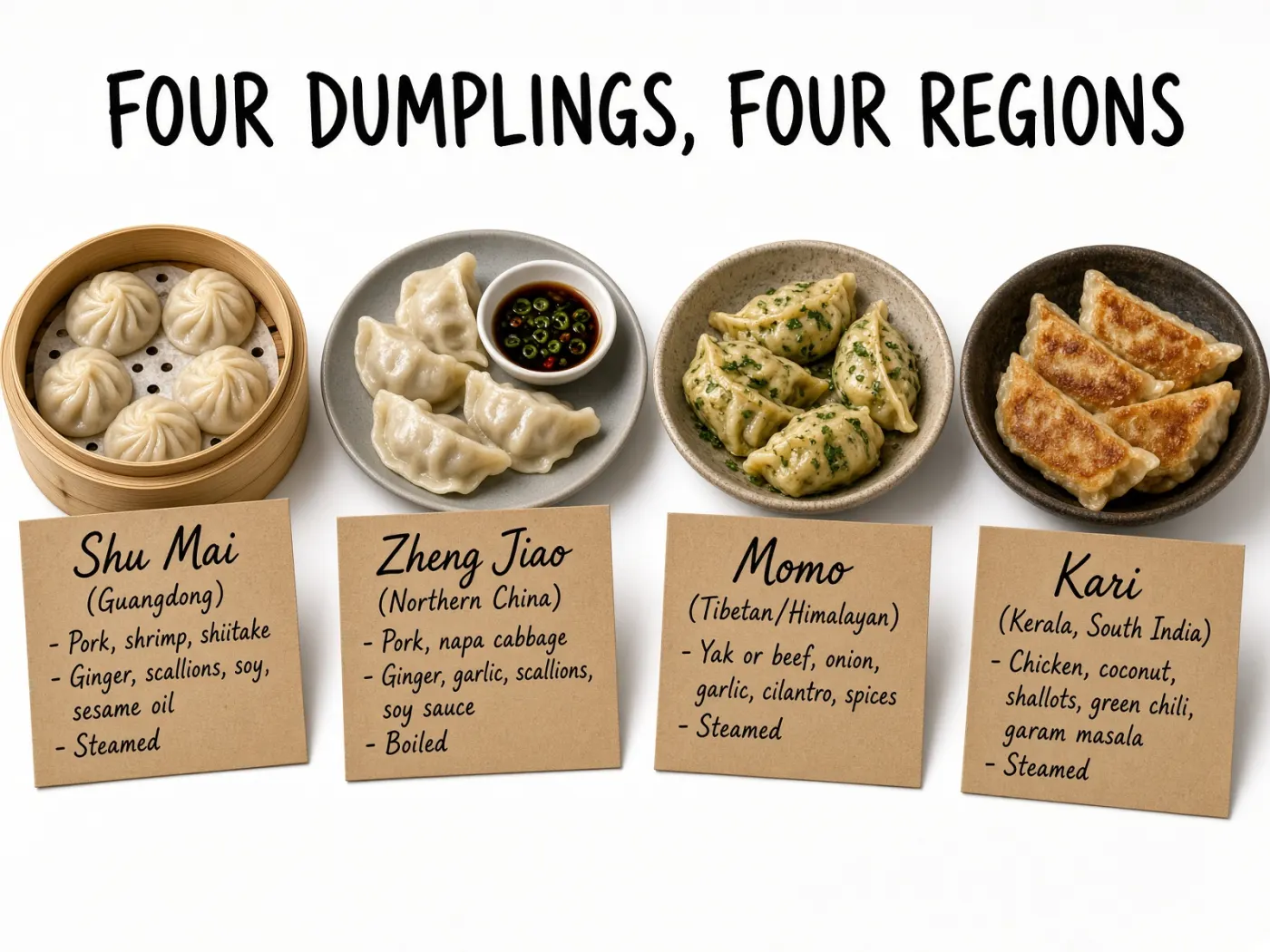
A professionally shot photorealistic diagram of four regional dumplings on a white background, each ...
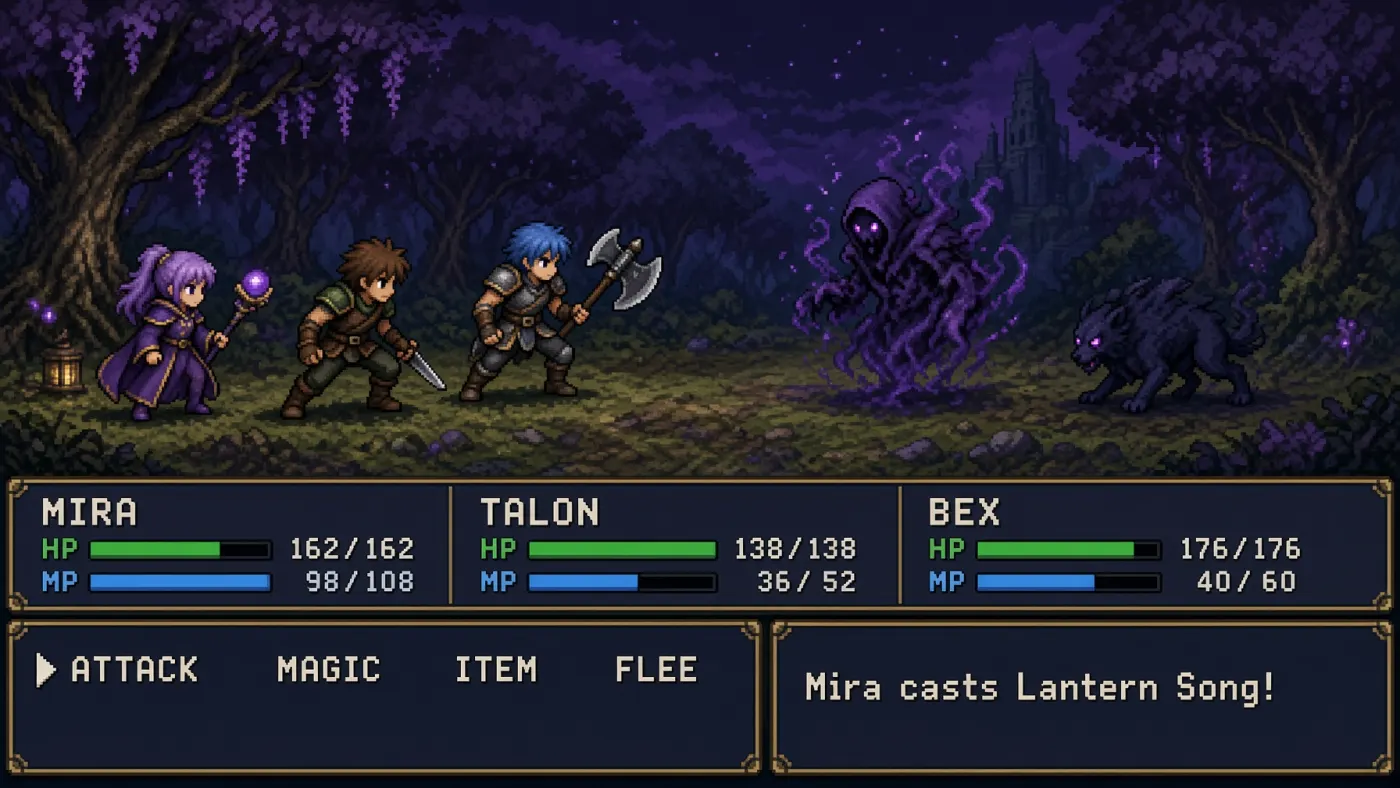
A screenshot from a fictional 16-bit turn-based RPG battle scene, pixel art, limited palette. The bo...
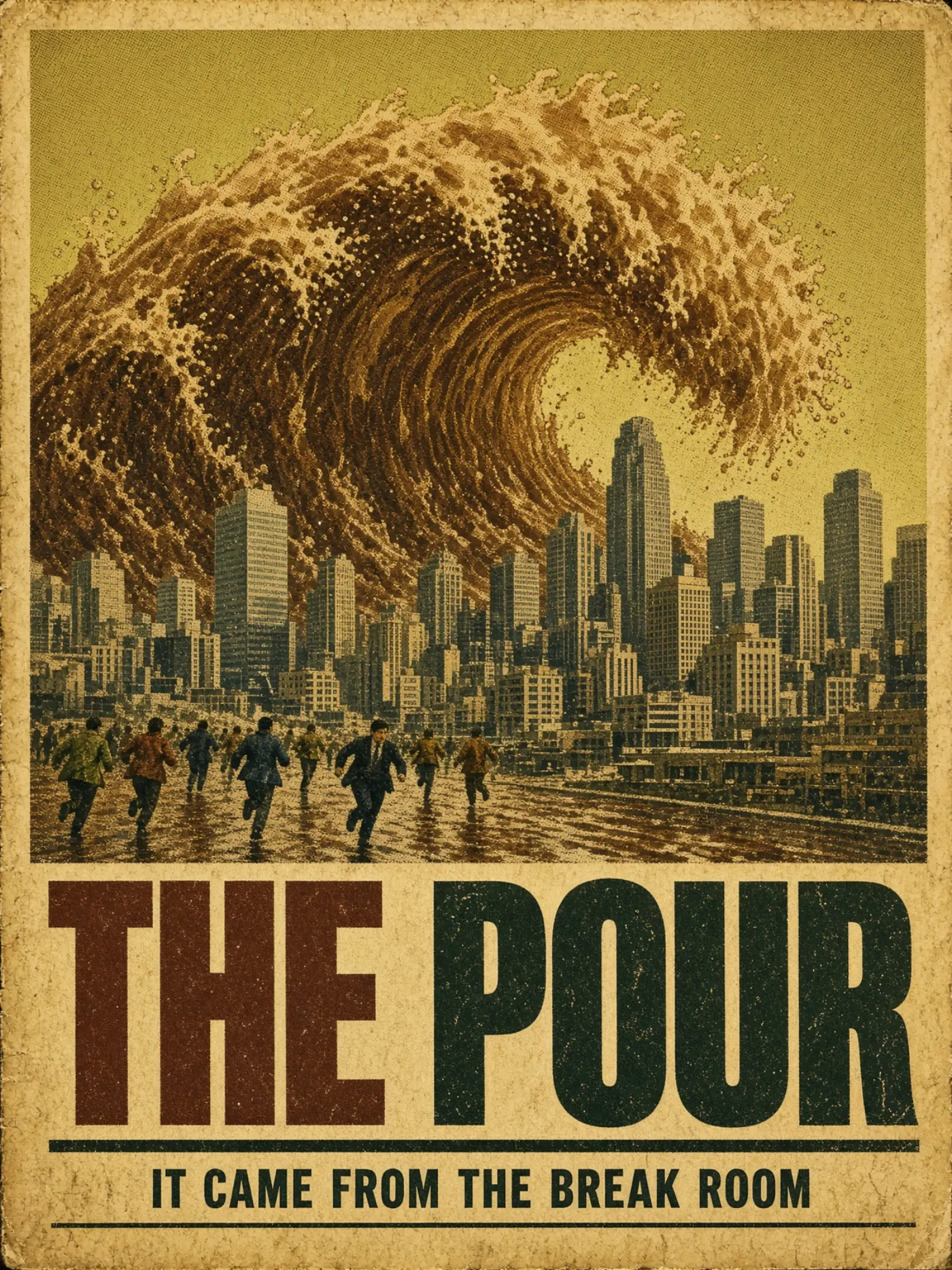
A vintage 1970s disaster-movie poster, offset-printed on slightly yellowed stock. Painted illustrati...
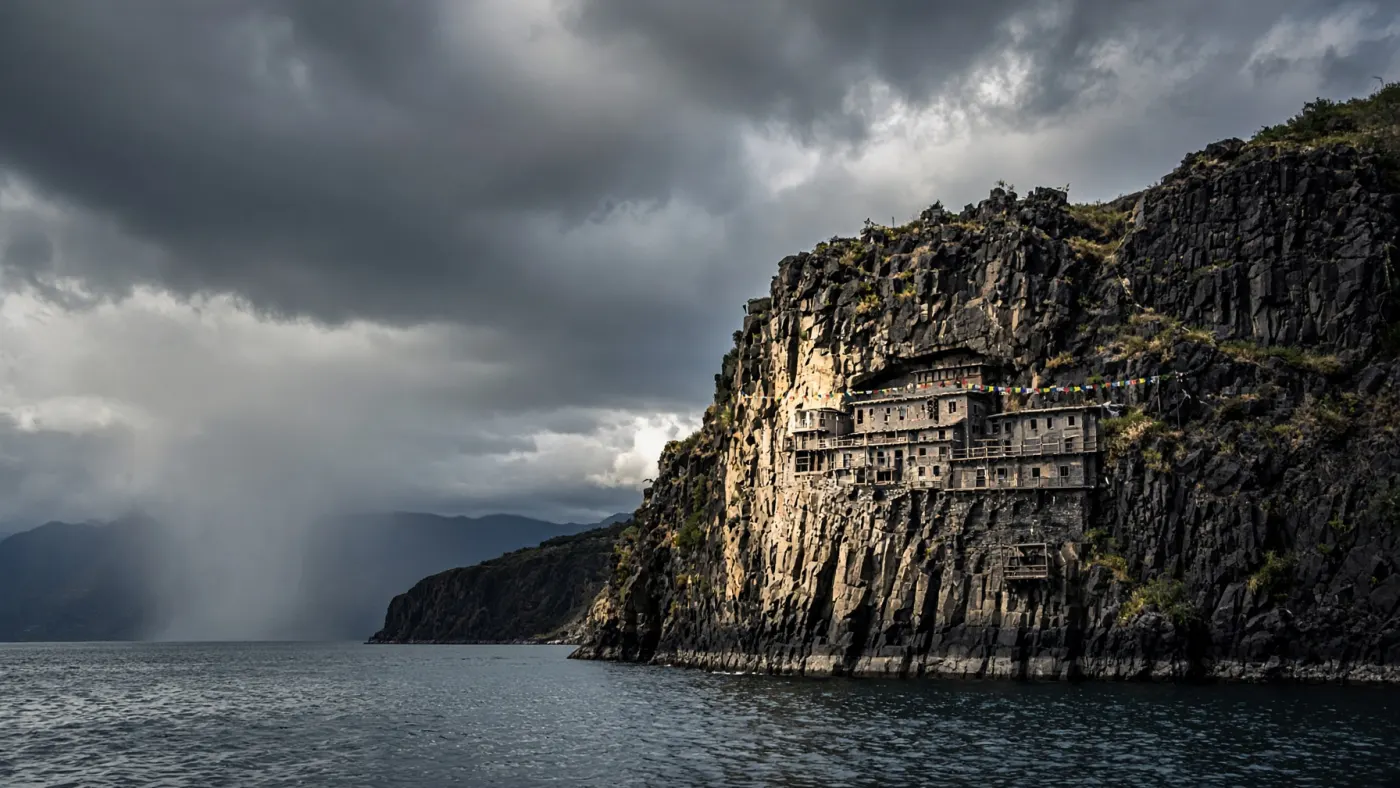
A cliffside monastery carved directly into black basalt, seen from across a fjord in the minutes bef...
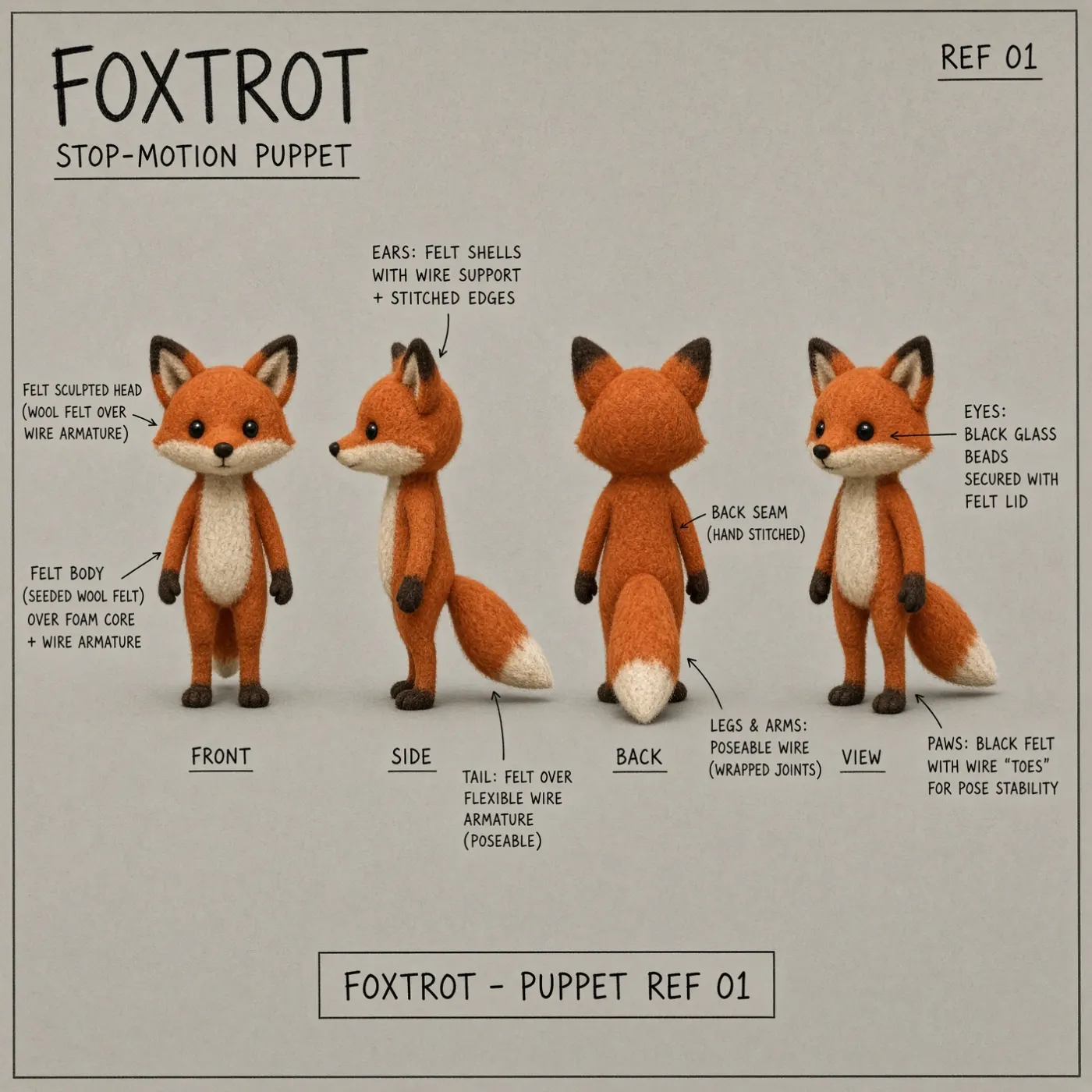
A character reference sheet for a stop-motion film, laid out on grey card. One fox character in felt...
Why Grok Imagine 2.0 is different
xAI's image model is deliberately narrow: text in, one image out. No uploads, no dials, no waiting around — just a prompt and a frame.
xAI's Own Look
Grok Imagine 2.0 brings the house style xAI trained it on — bold contrast, confident color and a taste for the surreal. It reads a prompt with attitude rather than averaging it into safe stock imagery.
Text-to-Image, Nothing Else
Prompt in, picture out. Grok Imagine 2.0 is a pure text-to-image model — it does not accept uploaded images and cannot repaint or retouch an existing one. Every frame is generated from your words alone.
Roughly 30 Seconds
A generation lands in about half a minute, so rewriting a line and firing again is a normal part of the process instead of a coffee break.
Seven Aspect Ratios
Choose 1:1, 2:3, 3:2, 3:4, 4:3, 9:16 or 16:9 — square for avatars, tall for phone screens and stories, wide for banners and headers.
One Quality Mode
There are no resolution tiers to weigh up. Grok Imagine 2.0 renders in a single fixed quality mode, and the aspect ratio you pick decides the shape of the frame.
Flat 6 Credits per Image
Every generation costs 6 credits and returns one image — same price whatever ratio you choose. If a generation fails, the credits go straight back to your balance.
From prompt to picture in three steps
Nothing to upload and nothing to configure — the whole loop is write, pick a shape, download.
Write the prompt
Describe the subject, the setting and the look. With no reference uploads in play, every detail you want has to live in the sentence.
Pick an aspect ratio
Choose one of the seven ratios — 1:1, 2:3, 3:2, 3:4, 4:3, 9:16 or 16:9 — then spend 6 credits and generate.
Save or share it
Your image is ready in about 30 seconds. It is saved to My Works in your OVOV account automatically, so you can come back and download it any time.
What you can build
A fast, prompt-only model earns its keep wherever you need a fresh visual from scratch rather than a change to one you already have.
Social Posts & Banners
Feed images, channel art and campaign banners drawn straight from a caption — no shoot, no stock licence, no upload step.
- 16:9 and 3:2 for headers and link previews
- 1:1 for feed posts and thumbnails
- Around 30 seconds per idea, so you can try five
Wallpapers & Avatars
Tall, screen-filling scenes and square character portraits — the two shapes phones and profiles actually use.
- 9:16 and 3:4 fill a phone screen edge to edge
- 1:1 portraits for profile pictures
- Watermark-free files you can set as-is
Concept Art & Mood Boards
Explore a direction before committing to it. Fire off variations of the same idea and keep the frames that survive.
- Change one clause and regenerate to compare
- Mix ratios to test how a scene crops
- 6 credits per look keeps exploration cheap
Blog & Newsletter Art
Article headers, section breaks and newsletter illustrations rendered on demand, in the shape your template expects.
- 16:9 and 2:3 to match common layout slots
- Consistent tone by reusing your style wording
- Full commercial rights on every export
Prompt writing guide for Grok Imagine 2.0
The prompt is the only input this model gets, so it has to carry the subject, the style, the light and the frame all by itself.
Best with self-contained, detail-rich prompts
Open with the subject and what it is doing
Grok Imagine 2.0 anchors the composition on whatever it reads first. Name the subject, give it an action, then place it somewhere.
- •Lead with the subject, not the adjectives
- •Give the subject a verb — leaning, running, staring down the lens
- •Add the setting right after, so the model knows where to build
Example
"A weathered lighthouse keeper hauling rope on a storm-lashed pier, freighters blurred in the distance"
Name a style, do not imply one
With no image to copy from, the visual language has to be spelled out. State the medium and the era you want the frame to belong to.
- •Name the medium: oil painting, 35mm photo, cel animation, 3D render
- •Anchor an era or genre: 1970s sci-fi paperback, early-2000s web collage
- •Keep the same style wording across a set to hold a series together
Example
"Rendered as a 1970s sci-fi paperback cover, grainy print texture, flat poster colors"
Describe the light and the palette
Light does most of the mood work. Say where it comes from, how hard it is, and which colors should dominate the frame.
- •Name the source: low winter sun, sodium streetlamp, screen glow
- •Say hard or soft, and where the shadows fall
- •Limit the palette to two or three colors for a cohesive look
Example
"Lit by a single sodium streetlamp in fog, hard shadows, amber and deep blue only"
Match the framing to your aspect ratio
You pick the canvas from seven ratios; the prompt should describe a shot that suits it. Wide scenes belong in 16:9 or 3:2, single figures in 3:4 or 9:16.
- •Use 16:9 or 3:2 for landscapes, crowds and wide establishing shots
- •Use 9:16 or 3:4 for standing figures, towers and phone screens
- •Say the shot type — close-up, waist-up, wide shot — so the crop reads right
Example
"Wide 16:9 establishing shot of a canyon town at dawn, figures small in the frame"
Iterate by rewriting, one change at a time
There is no image input to nudge, so refinement happens in the text. Keep the prompt that nearly worked and alter a single clause before you run it again.
- •Change one variable per run — the light, the lens or the palette
- •Keep a copy of prompts that worked; they are your only save state
- •Add missing detail rather than piling on more adjectives
Example
"Same canyon town at dawn, but overcast instead of clear, and shot from street level"


