Muse Image AI 圖片生成器

輸入文字生成圖片,或上傳參考圖片更換背景、調整風格。每次生成一張圖片,消耗 5 點數。

淺色文字是範例,填寫描述後即可點選生成。

畫面比例

Muse Image / 06

Muse Image 生成範例

以下 6 張圖片展示商品圖、建築、剪紙插畫、夜景人像和更換背景。可查看生成描述,或使用同一範例生成圖片。

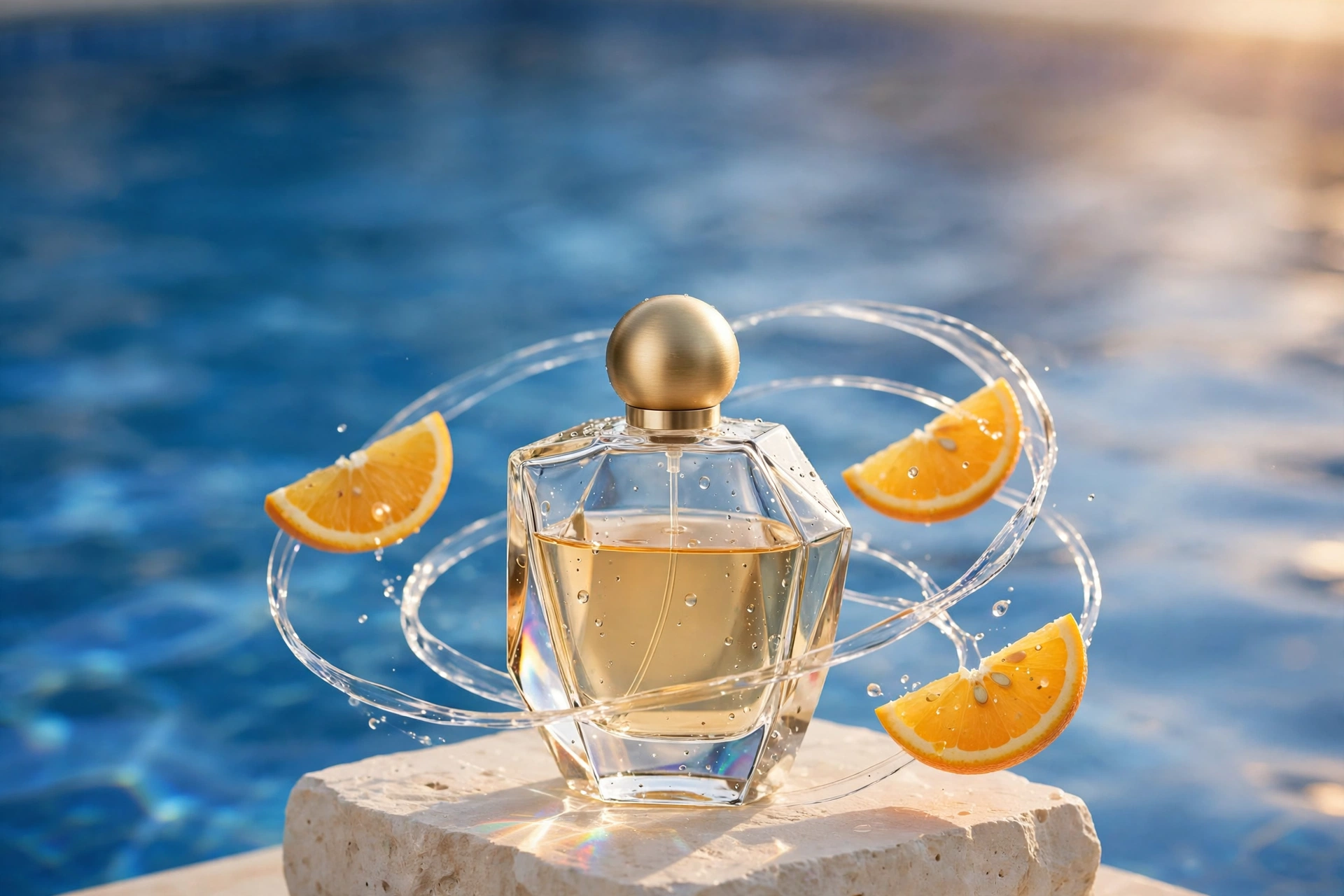
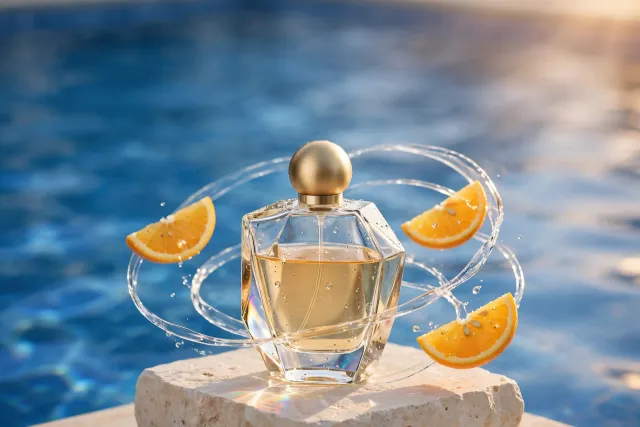
香水瓶放在石臺上,橙片和水流圍繞瓶身。
01 / 3:2WebP

香水產品圖

香水瓶放在石臺上,橙片和水流圍繞瓶身。

查看生成描述

Luxury perfume campaign photograph: a single unbranded sculptural clear glass perfume bottle filled with pale amber liquid, brushed gold spherical cap, standing on an ivory limestone plinth. Thin fresh orange slices and translucent ribbons of water float in a graceful orbit around it. Soft cobalt swimming-pool reflections meet warm apricot sunlight, tactile condensation, razor-sharp glass refraction, sophisticated editorial composition, generous negative space, medium-format product photography. No text, no logos, no watermark.
使用此範例
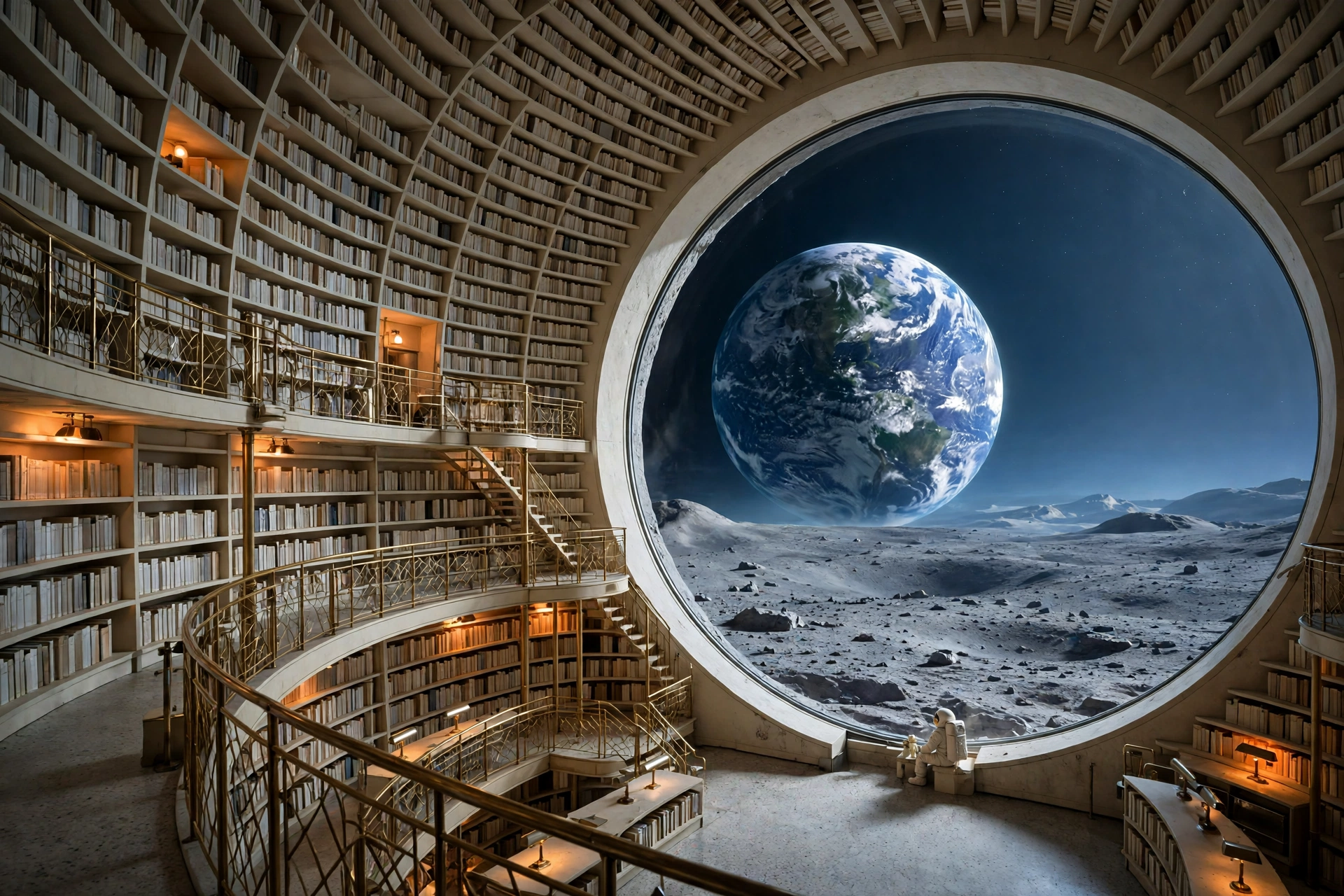
弧形書架圍繞圓形窗戶,窗外可以看到月球表面和地球。
02 / 3:2WebP

月球圖書館

弧形書架圍繞圓形窗戶,窗外可以看到月球表面和地球。

查看生成描述

An extraordinary architectural photograph of a crescent-shaped library on the moon. Huge curved ivory bookshelves and fine brass walkways cradle a luminous Earth visible through a seamless circular window. A tiny adult reader in a cream spacesuit sits near the window, lunar dust outside, silver-blue dawn and warm amber reading lamps, serene monumental scale, believable materials, 24mm architectural lens, cinematic editorial design, meticulous details. No text, no logos, no watermark.
使用此範例
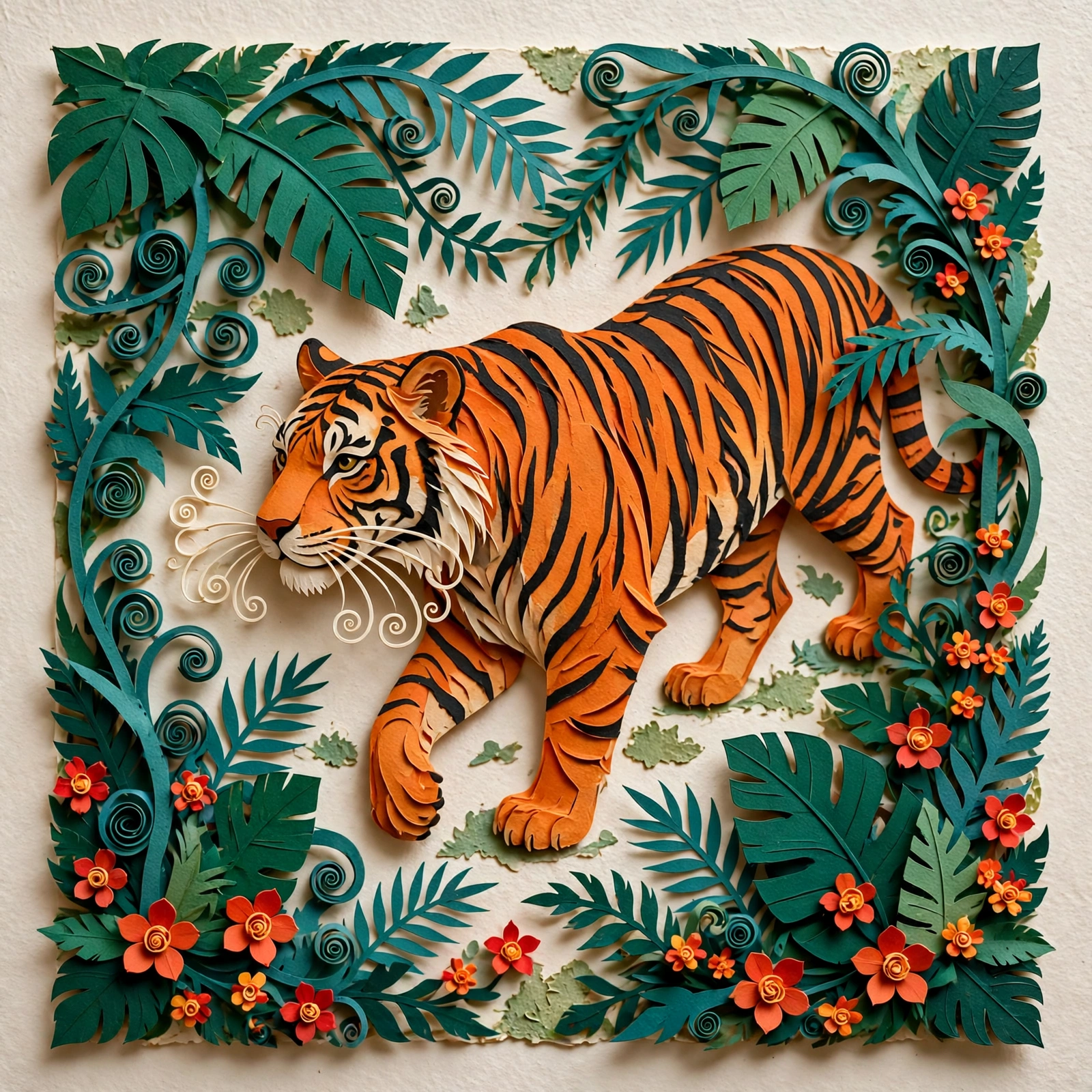
用多層彩色紙片表現老虎、樹葉和花朵。
03 / 1:1WebP

剪紙老虎

用多層彩色紙片表現老虎、樹葉和花朵。

查看生成描述

An original handcrafted layered-paper illustration of a majestic orange tiger strolling through a lush emerald and teal paper jungle. Fine curled paper strips become leaves and whiskers, tiny vermilion flowers, warm ivory background, rich tactile cut-paper edges and soft shadows, flowing elegant silhouette, bold graphic composition with sophisticated folk-art charm, beautiful physical miniature photographed from above, refined saturated palette. No text, no typography, no watermark.

使用此範例
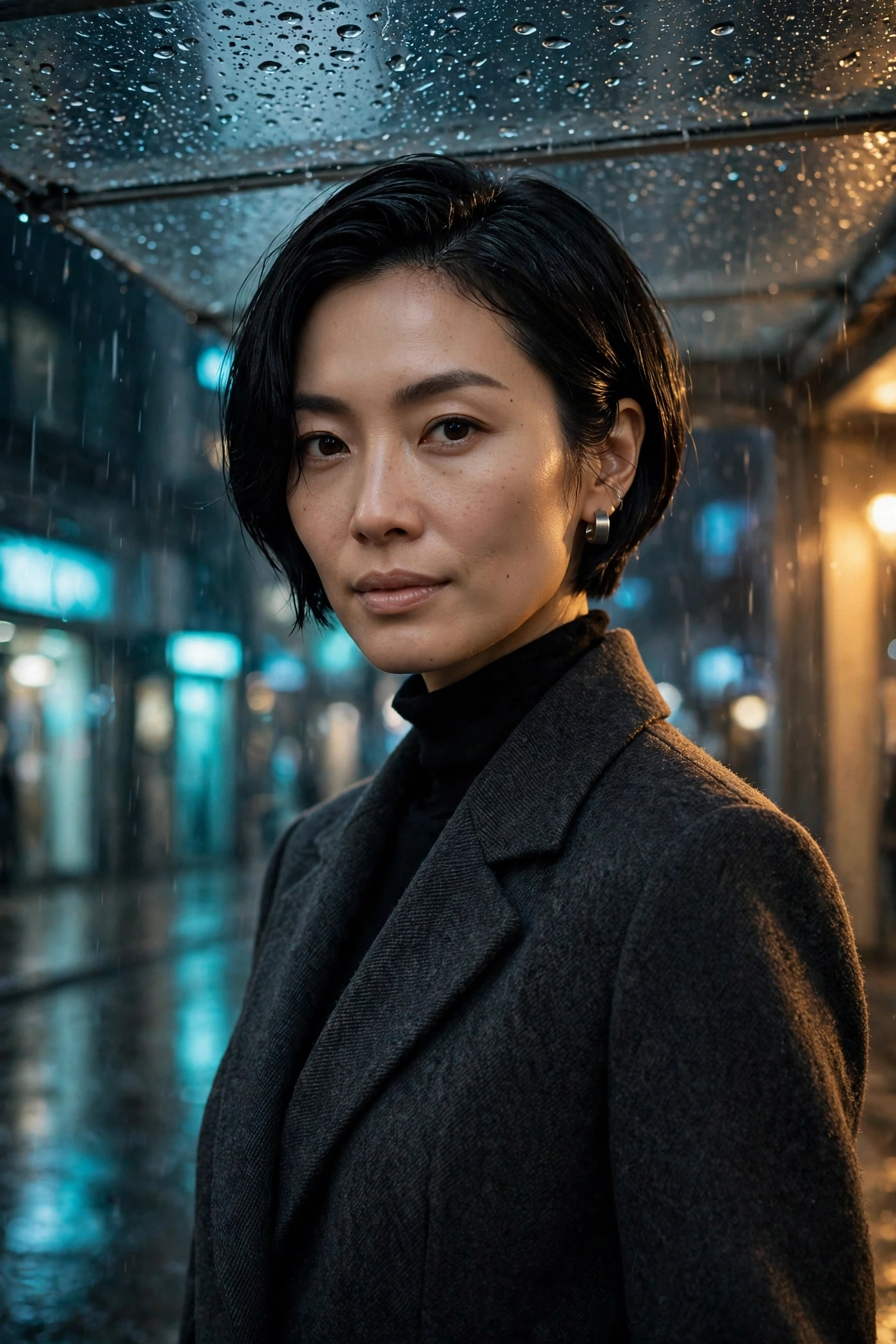
以夜間街景和路燈拍攝風格,生成身穿深色外套的女子人像。
04 / 2:3WebP

夜景人像

以夜間街景和路燈拍攝風格,生成身穿深色外套的女子人像。

查看生成描述

High-fashion editorial portrait of a clearly adult East Asian woman with a short sculptural black bob, natural realistic skin texture, wearing a tailored charcoal wool coat and a small brushed-silver earring. She stands under a rain-speckled glass canopy at midnight, cyan street reflections and warm amber side-light, subtle confident gaze, elegant restrained makeup, photographed on an 85mm lens with shallow depth of field, cinematic magazine photography, authentic fabric detail. Fully clothed. No text, no logos, no watermark.

使用此範例
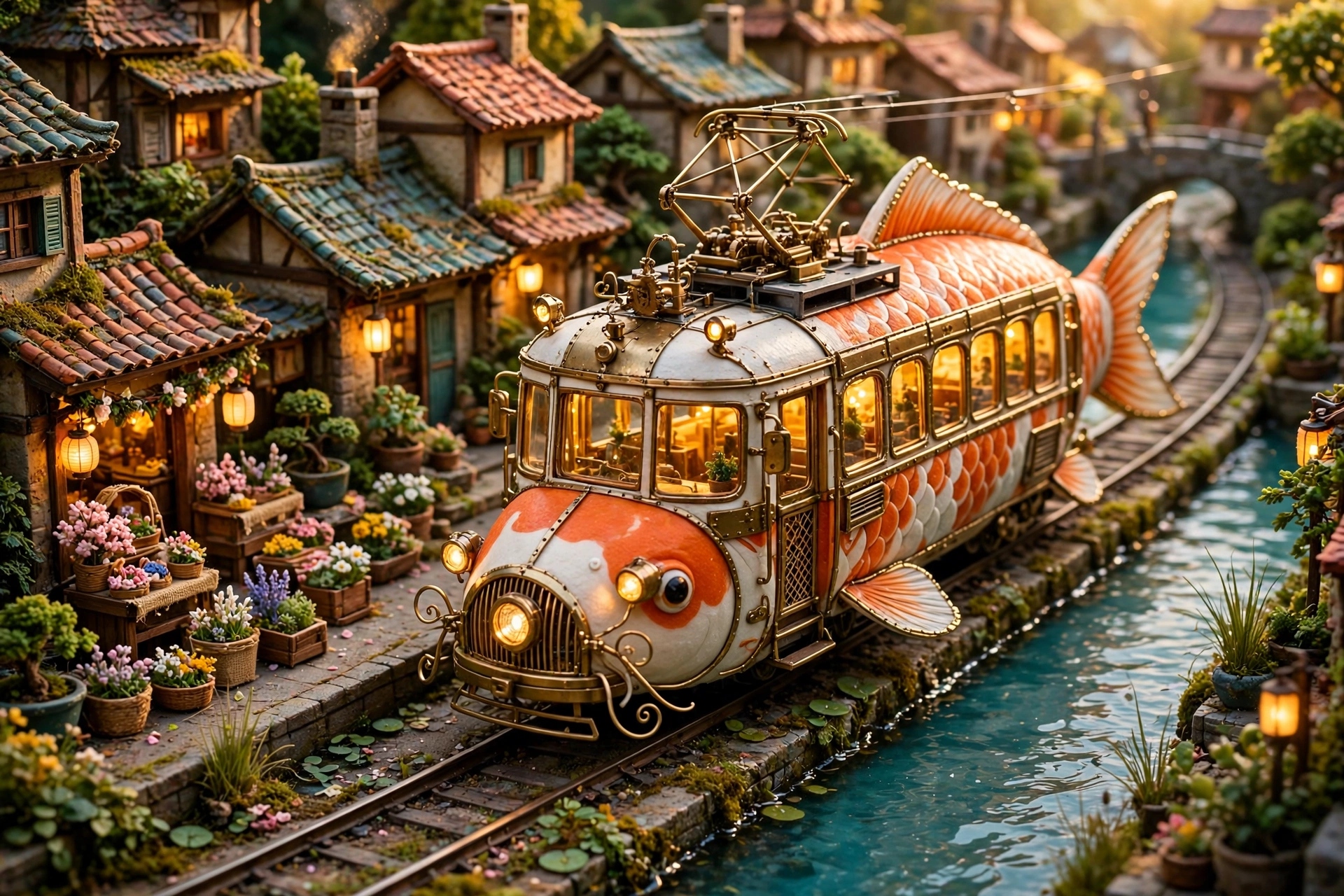
生成一輛錦鯉造型的電車,車旁有運河、花攤和房屋。
05 / 3:2WebP

錦鯉造型電車

生成一輛錦鯉造型的電車,車旁有運河、花攤和房屋。

查看生成描述

A magical yet tangible miniature city photograph: a beautiful orange-and-white koi fish transformed into an elegant vintage electric tram, its body containing glowing passenger windows and delicate brass details, gliding on rails beside a narrow turquoise canal. Tiny flower stalls, tiled roofs, lush potted plants and warm lanterns, late-afternoon golden sunlight, intricate handcrafted miniature materials, joyful Studio-style storybook wonder without copying any existing character, low cinematic camera angle. No text, no logos, no watermark.

使用此範例
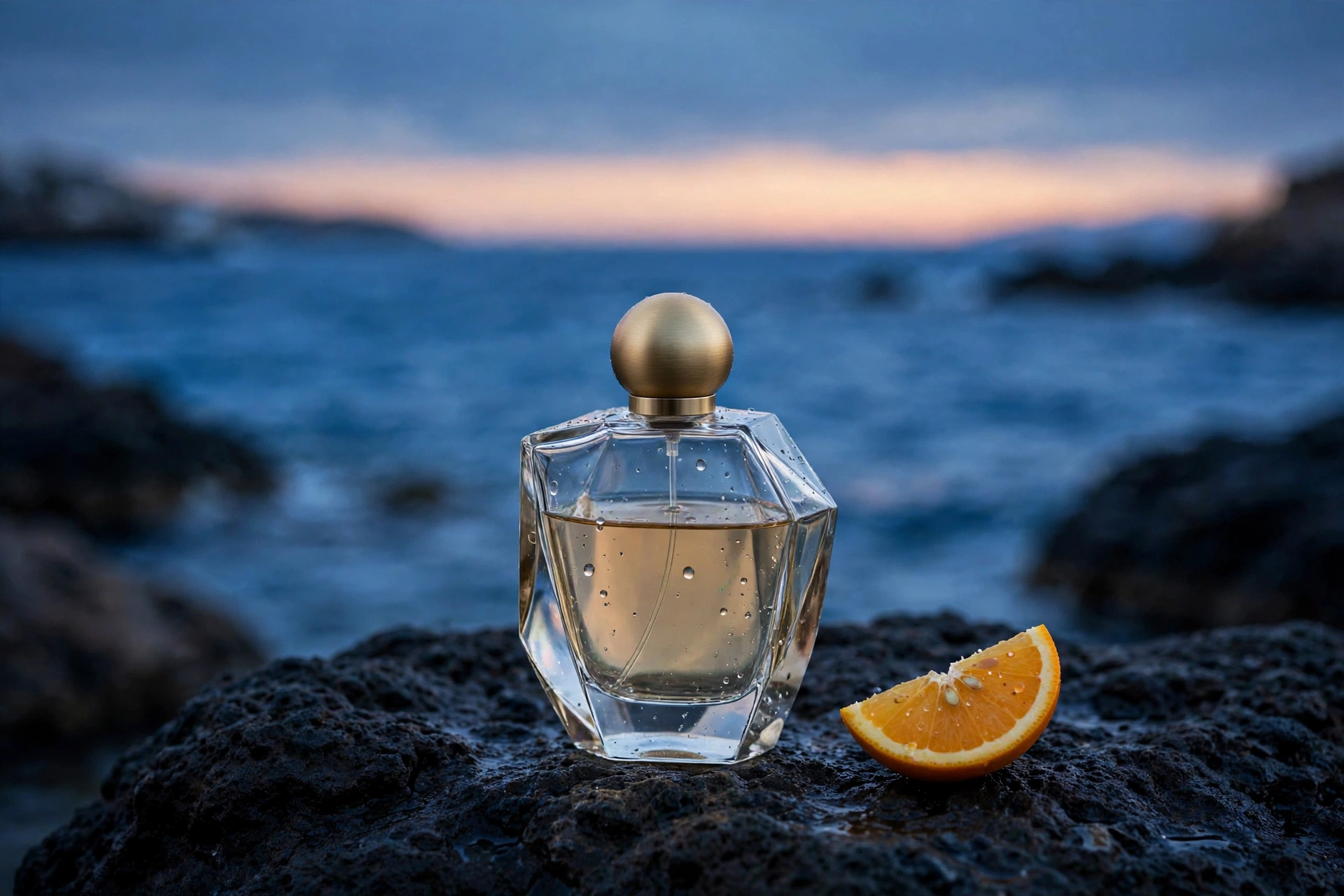
使用第一張香水產品圖,將背景改成傍晚的海岸。
06 / 3:2WebP

香水更換背景

使用第一張香水產品圖,將背景改成傍晚的海岸。

輸入圖片 · 香水更換背景
輸入圖片 生成結果
查看生成描述

Use the perfume bottle in the reference image as the product. Preserve its clear glass silhouette, pale amber liquid, brushed gold spherical cap and unbranded appearance. Change the scene to an elegant dark volcanic rock on a quiet Mediterranean coast at blue hour. A single orange slice rests nearby, tiny sea droplets on the glass, soft peach horizon and deep cobalt water, realistic high-end product photography, dramatic but restrained lighting. No new text, no logos, no watermark.

使用此範例

生成圖片或修改參考圖片

可製作商品圖、人物照片、建築圖片和插畫。用文字描述新畫面,或上傳圖片說明想保留和修改的內容。

本站可用設定

畫面比例
auto · 1:1 · 16:9 · 9:16 · 4:3 · 3:4 · 3:2 · 2:3
參考圖片
9

文字生圖與圖片編輯

  • 5 點數

提交前請在工作台確認目前所選參數的點數報價。

查看方案與點數包

Muse Image 支援哪些功能

支援文字生成圖片和參考圖片修改,每次生成一張 WebP 圖片。

文字生成圖片

寫清人物、物品、背景和光線,生成一張新圖片。

上傳圖片進行修改

最多加入 9 張參考圖片,可描述更換背景或調整風格等要求。

選擇畫面比例

支援 7 種比例及自動設定,可選橫式、直式或正方形。

如何使用 Muse Image

填寫圖片描述,需要時上傳參考圖片,再確認點數開始生成。

1

輸入描述或加入圖片

寫出想要的畫面。需要保留人物、商品或場景特徵時,可加入參考圖片。

2

選擇畫面比例

選擇橫式、直式、正方形或自動比例。圖片的實際尺寸由模型決定。

3

生成並下載

確認本次消耗 5 點數後開始生成。完成後檢查圖片,再下載 WebP 檔案。

圖片描述範例

提示詞範例

一瓶裝有琥珀色液體的透明香水放在淺色石臺上,幾片新鮮橙片和水流圍繞瓶身。背景是藍色泳池,陽光從側面照射。商品攝影風格,不要加入文字或標誌。

寫清想要的背景、光線和風格。使用參考圖片時,說明哪些內容要保留、哪些需要修改。

使用限制

Muse Image 常見問題

關於參考圖片、輸出格式和點數的說明。